Haravan’s native Meta Pixel integration is locked behind a paid marketing plan.
You don’t need it. Google Tag Manager does the same thing – and if GTM is already on your site, you’re halfway there.
Here’s the full setup.
What you actually need
- Meta Pixel ID (from Meta Events Manager → Datasets)
- GTM already installed on your Haravan store
- 30 minutes
Step 1: Base code – fires on every page
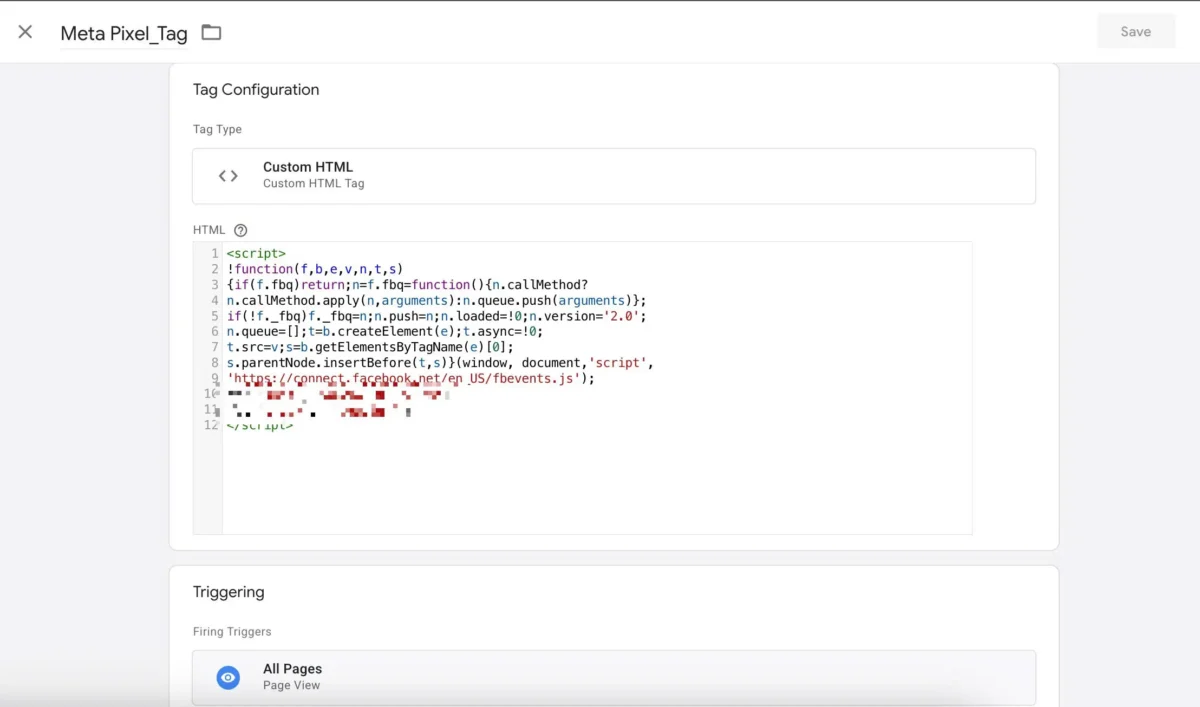
New tag → Custom HTML. Paste this:
<script>
!function(f,b,e,v,n,t,s)
{if(f.fbq)return;n=f.fbq=function(){n.callMethod?
n.callMethod.apply(n,arguments):n.queue.push(arguments)};
if(!f._fbq)f._fbq=n;n.push=n;n.loaded=!0;n.version='2.0';
n.queue=[];t=b.createElement(e);t.async=!0;
t.src=v;s=b.getElementsByTagName(e)[0];
s.parentNode.insertBefore(t,s)}(window, document,'script',
'https://connect.facebook.net/en_US/fbevents.js');
fbq('init', 'YOUR_PIXEL_ID');
fbq('track', 'PageView');
</script>
Trigger: All Pages.
Step 2: ViewContent – product pages only
<script>
fbq('track', 'ViewContent');
</script>
Trigger: Page View → Some Pages → Page URL contains /products/
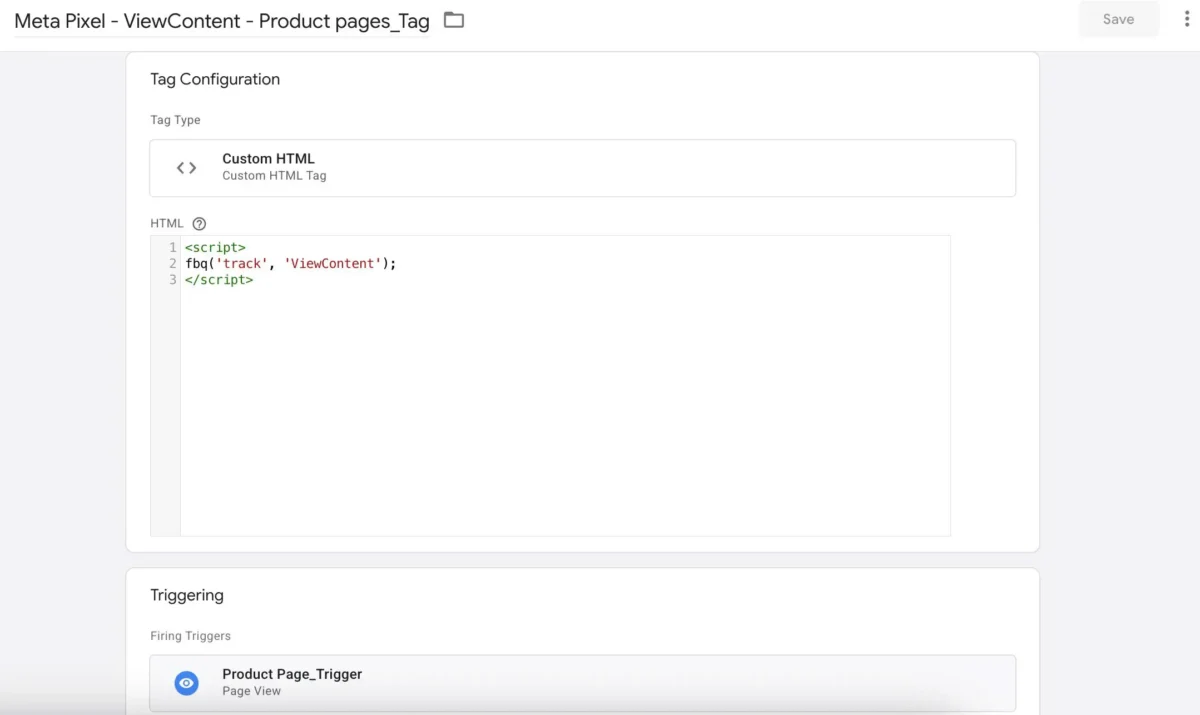
Don’t fire this on collection pages or the homepage. ViewContent is for individual product pages – that’s what Meta uses to build retargeting audiences.
Step 3: AddToCart – inspect the button first
Don’t assume the trigger condition. Inspect the add-to-cart button on your actual site first.
On most Haravan themes, the button has no visible text – just an icon. Click Text won’t work.
What works: Click Classes contains add_to_cart
The button HTML typically looks like this:
<button class="product-item-btn btn add_to_cart active">
  <svg class="icon">...</svg>
</button>
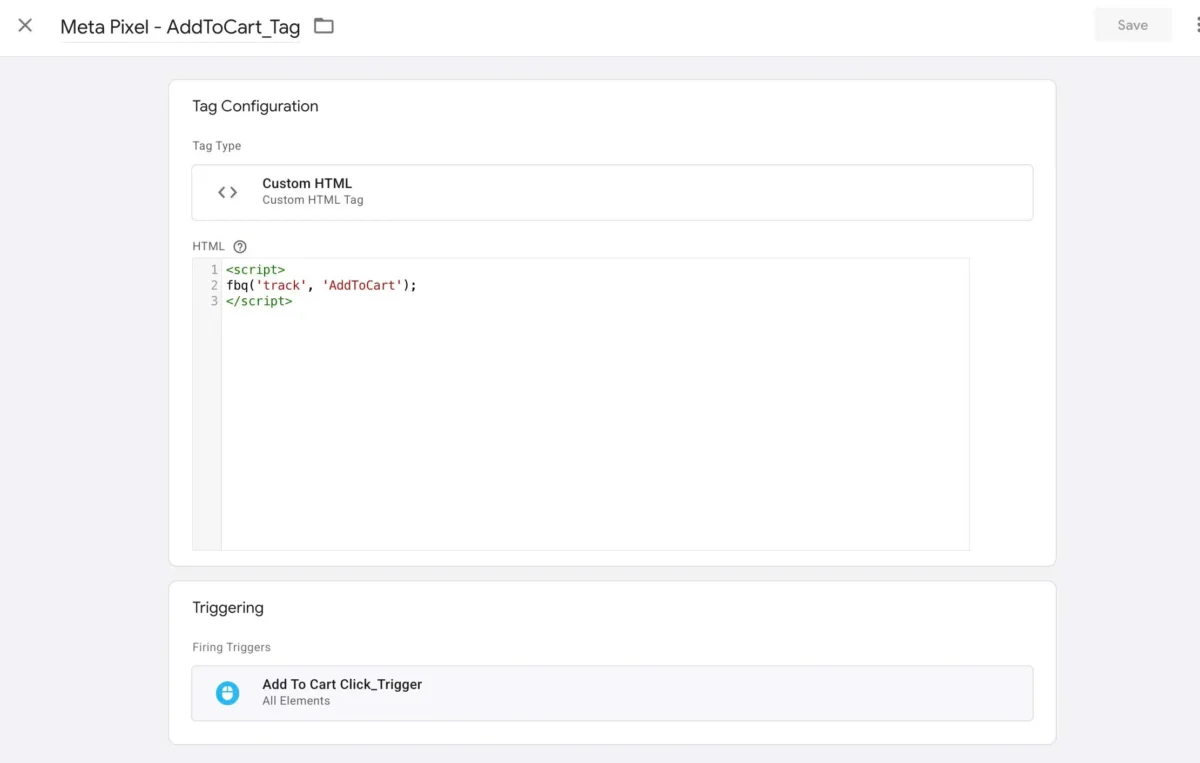
Trigger: Click → All Elements → Some Clicks → Click Classes contains add_to_cart
<script>
fbq('track', 'AddToCart');
</script>
Step 4: InitiateCheckout
Haravan’s checkout URL is /checkouts/ – not /checkout.
Trigger: Page View → Some Pages → Page URL contains /checkouts/
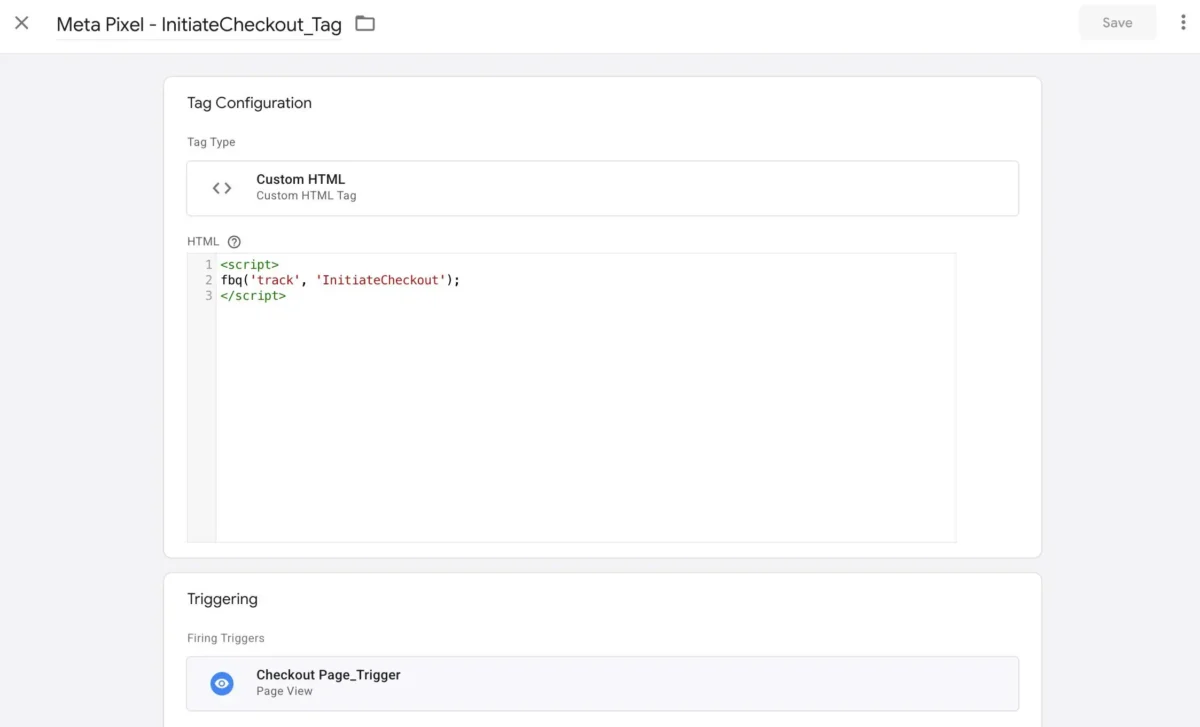
<script>
fbq('track', 'InitiateCheckout');
</script>
Step 5: Purchase
Trigger on the thank-you page.
Trigger: Page View → Some Pages → Page URL contains thank_you
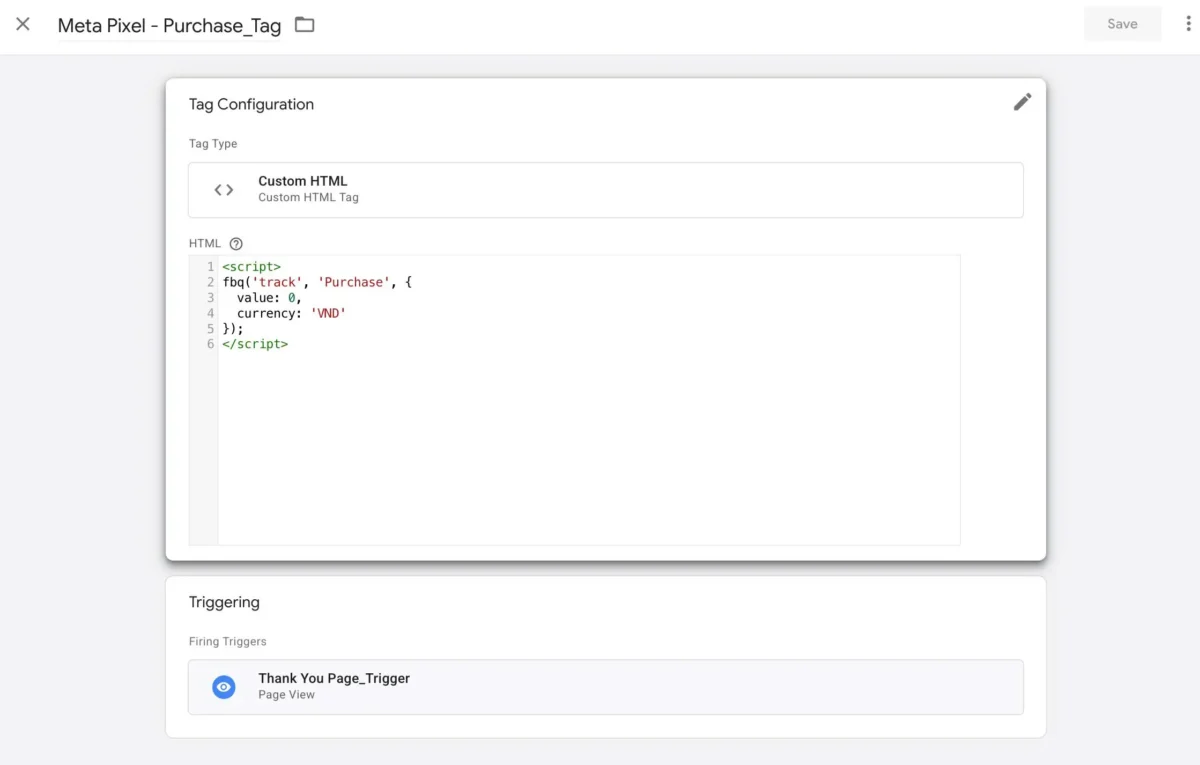
<script>
fbq('track', 'Purchase', {
  value: 0,
  currency: 'VND'
});
</script>
Step 6: Contact events (optional but useful)
If you already have GTM tags tracking Messenger, Phone, or Zalo clicks for GA4 – don’t modify those tags. They’re GA4 Event type and can’t run fbq code directly.

Instead: create a new Custom HTML tag for each, and reuse the existing click triggers.
<script>
fbq('track', 'Contact', {content_name: 'Messenger'});
</script>
Same trigger as the GA4 tag. Parallel tracking. No extra setup.
Verification
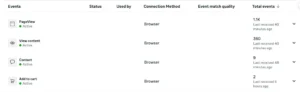
Facebook Pixel Helper (Chrome extension) – confirms which events are firing on the current page.
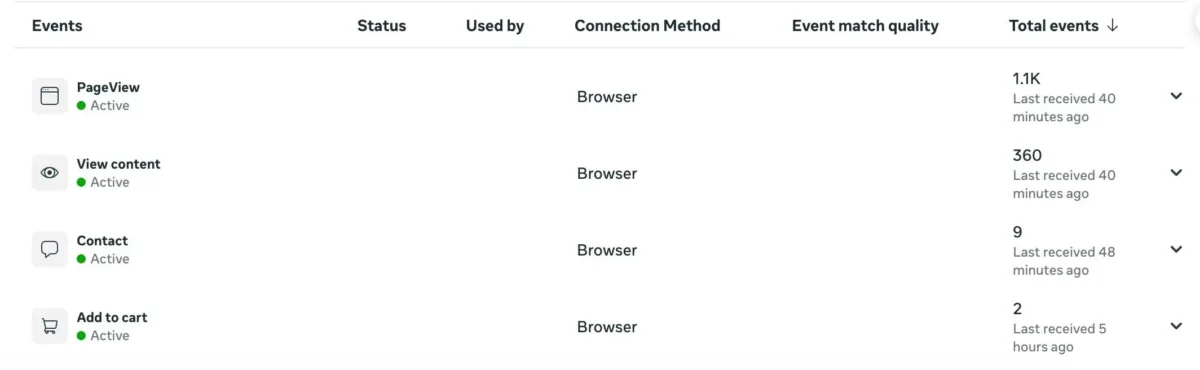
Meta Events Manager → Test Events tab – open your site using the “Open Website” button inside the tab, not from a separate browser window. Interact with the page and watch events appear in real time.
Publish your GTM container before testing.
Author Profile

- I’m an SEO Manager with 7+ years of experience helping brands grow through data-driven strategies. Passionate about the intersection of search, content, and technology, I blend technical SEO, analytics, and creativity to drive performance and build meaningful digital experiences.
Latest entries
 BlogApril 18, 2026How to Set Up Meta Pixel Events on Haravan via GTM?
 BlogApril 11, 2026How I Use Query Fan-Out to Write Better Content (And Built a Tool for It)
 BlogApril 11, 2026I Managed 40+ SEO Clients. Google Sheets Broke. Here’s the Notion Template I Built to Fix It.
 BlogMarch 29, 2026I Built an Agency Website in Bricks Builder as a Non-Developer. Here’s What Happened.