One of the projects I shipped recently was the full website for HiAgency, an Australian digital marketing agency – built from a blank canvas in Bricks Builder 2.3.
No starter template. Every section, breakpoint, and component assembled manually.
And to be clear upfront: I’m not a developer. My background is SEO.
For the implementation side, I relied heavily on Claude Code to generate Bricks-compatible JSON, write custom CSS, and debug layout issues.
This article covers why I chose Bricks, what it actually costs to go this route, and the bugs that ate the most time.
How I ended up choosing Bricks?
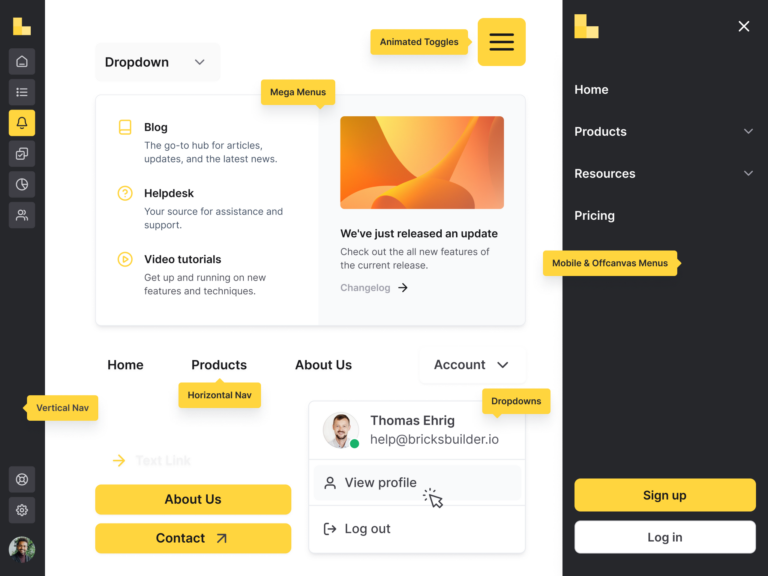
The decision wasn’t instinctive. I spent time going through 10+ Reddit threads where people compared WordPress page builders – Elementor, Beaver Builder, Oxygen, Bricks kept coming up in the same context: clean code output, fast page speed, and a JSON import/export structure that doesn’t lock you in.
I also read a review by WPJohnny, who writes one of the more opinionated and genuinely useful WordPress blogs out there. His take on Bricks was positive but honest about the tradeoffs – which is exactly the kind of signal I trust.
Then I looked into who actually built it. Thomas Ehrig – a self-taught web developer and designer from Germany – started forming the idea for Bricks at the end of 2017 and launched it in March 2021.
What stood out wasn’t the product, it was the approach: he noticed that other builders had little transparency about their development process and no real user-driven development, and built Bricks specifically to fill that gap.
A bootstrapped, one-person-led product with a public roadmap and an active community that actually influences what gets built.
That’s not common. It was enough to commit.
The honest warning: Bricks is not for everyone!
If you’re a small company that needs a website up in a week, Bricks will slow you down.
The blank canvas is genuinely blank – no pre-built layout to modify, no guardrails. It’s explicitly designed for developers, and that shows in both its strengths and its entry cost.
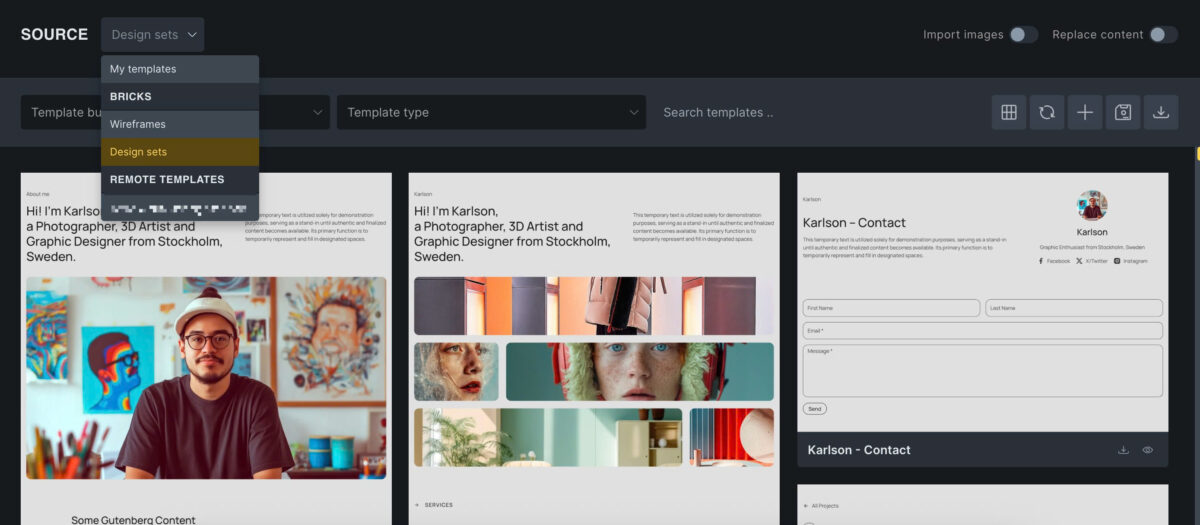
You can use Remote Templates to enrich the design ideas, but again – FREE ones usually comes with basic outlook.
As a non-developer using AI tooling to fill that gap, the learning curve was real.
But that’s also the point: the difficulty is what makes it worth doing.
Anyone can spin up an Elementor site in a day. Going through the process of actually understanding Bricks – how it stores elements, how breakpoints override, how the canvas handles output – builds a level of technical depth that translates directly into better client work.
Every bug I hit on the HiAgency build is a bug I won’t hit again on a client site running the same stack.
If you’re committed to this route, budget for at least one of the following to reduce the initial friction:
- Claude Code on a Pro plan – useful for generating Bricks JSON, writing component-level CSS, and working through issues that aren’t well documented. Expect some manual patching; AI-generated code doesn’t always account for Bricks-specific behaviour, but it gets you most of the way there.
- A template vendor – options like Nextbricks or BricksAwesome give you pre-built section libraries that remove the blank canvas problem entirely. A good starting point if you want Bricks’ output quality without building every component from scratch.
The GoDaddy problem
The project started on GoDaddy hosting. That was a mistake.
GoDaddy injects a MU plugin that interferes with Bricks’ builder rendering – the result is an empty canvas with no obvious error.
There’s also an .htaccess fix required: adding SubstituteMaxLineLength 10M as the first line, which GoDaddy needs to handle Bricks’ data correctly.
Both issues are documented in the official Bricks Academy known issues page, but you won’t find them until you’ve already lost time trying to figure out why the builder won’t load.
I switched to SiteGround – better reviews, data centres that support Australian IP traffic, and a staging environment that works cleanly with Bricks out of the box.
So why still choose Bricks?
The easier choice would have been Elementor. Pre-built templates, a much larger support ecosystem, and far less setup friction.
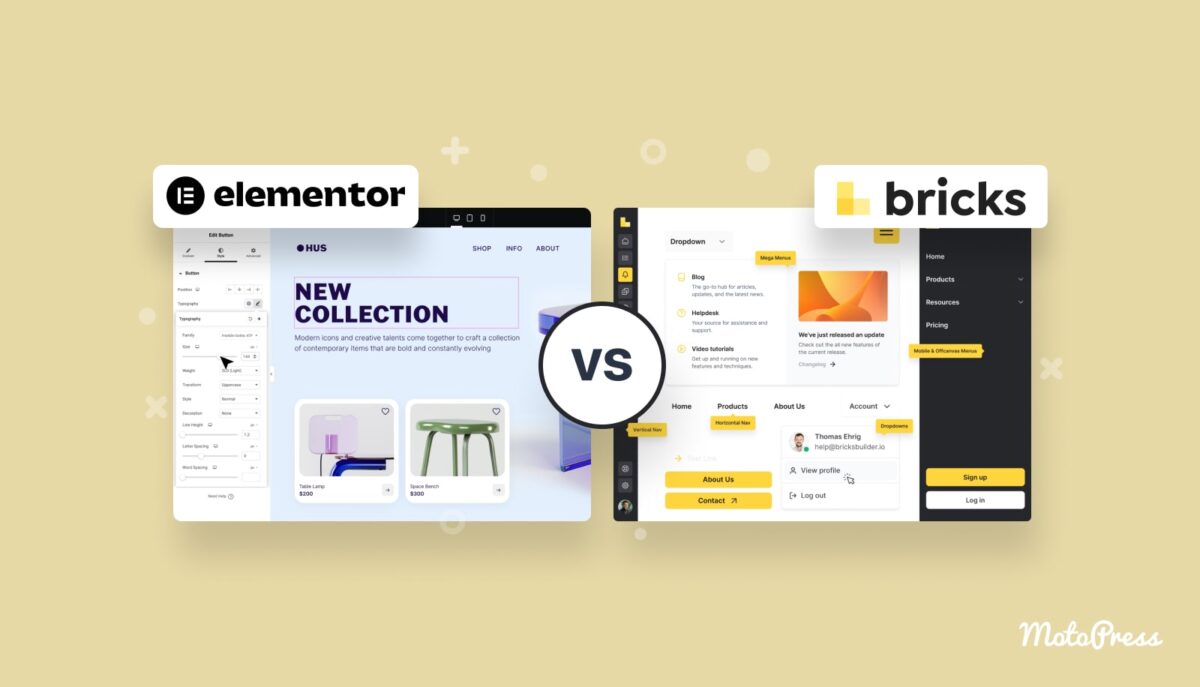
I chose Bricks for two reasons that I think hold up:
- Pagespeed. With Bricks, performance is the default, not something you achieve despite the builder – it only loads scripts and styles on pages that actually use them, unlike Elementor and Divi which load their entire asset library on every page. For an agency website that’s also meant to demonstrate technical standards to clients, that matters.
- Scale and designer handoff. This one is more of a workflow argument than a technical feature. Bricks’ JSON-based structure and clean code output makes it significantly easier to work with a designer who operates in Figma – the gap between what’s designed and what gets built is smaller because you’re not fighting a template trying to do something it wasn’t designed for. If a company later brings on a proper web designer, the Bricks codebase is something they can actually work with rather than build around. With template-based builders, that handoff often means starting over.
The bugs that cost the most time
These are all documented in Bricks’ known issues or forum threads, but they fail silently – which means they’re only findable after you’ve already wasted time.
- CSS custom properties don’t resolve inside the Bricks canvas. Variables like
var(--ha-navy)defined outside Bricks Theme Styles simply don’t render. No error. Use hardcoded hex values for every colour reference inside Bricks elements. - The nav-menu element ID changes every time it’s re-pasted. Every re-paste generates a new
brx-nav-menu-XXXXXID. Custom CSS targeting the old selector breaks silently – the desktop menu looks fine, the mobile menu goes blank, nothing in the console flags it. Always update the selector after any re-paste. - Bricks image elements wrap output in a
<figure>tag. Selectors targeting the image directly without accounting for the<figure>wrapper will miss. This caused logo sizing issues in the client strip section that took time to trace. - Swiper.js breakpoint values must be integers, not strings.
"slidesPerView": "1"(string) is silently ignored – the slider stays at the desktop column count regardless of viewport. Change every breakpoint value to an unquoted integer. - Body and font-family declarations conflict with Theme Styles. Adding
body {}orfont-familyto the global code element creates specificity conflicts with Bricks Theme Styles. Keep the code element for component-level styles only.
Was it worth it?
Yes, definitely – but not immediately, and not cheaply.
The pattern across every bug above is silent failure: nothing breaks at the point of configuration, the problem only surfaces later in a specific context. With AI-generated code in the mix, this is compounded – output looks correct, passes a quick review, and still fails in the Bricks environment. That friction is real and it cost time.
But what came out the other side is a component library, a JSON template system, and a working mental model of how Bricks structures its canvas – all of which make the next build faster and the one after that faster still. The first site is the investment. Every client site built on the same stack benefits from it.
For an SEO who is also building and optimising client websites, understanding the technical environment at this level isn’t optional – it’s the job.
Bricks forced that understanding in a way that a template-based builder never would have.
That’s the real return on the learning curve: not just a cleaner website, but a deeper technical foundation that’s hard to replicate any other way.
Author Profile

- I’m an SEO Manager with 7+ years of experience helping brands grow through data-driven strategies. Passionate about the intersection of search, content, and technology, I blend technical SEO, analytics, and creativity to drive performance and build meaningful digital experiences.
Latest entries
 BlogApril 18, 2026How to Set Up Meta Pixel Events on Haravan via GTM?
 BlogApril 11, 2026How I Use Query Fan-Out to Write Better Content (And Built a Tool for It)
 BlogApril 11, 2026I Managed 40+ SEO Clients. Google Sheets Broke. Here’s the Notion Template I Built to Fix It.
 BlogMarch 29, 2026I Built an Agency Website in Bricks Builder as a Non-Developer. Here’s What Happened.